

As an Editor, I want to create and manage links in my documents
As an Editor, I want to create and manage links in my documents so that I can connect content to documents or external URLs.

Note: searching for documents should be optimized
01. Select text segment and apply an external URL.
02. Select text segment and apply an internal document link
Internal scroll on results
Dynamic search, it looks for keywords, path name, title...
03. Edit and delete link
04. Change URL link view
05. Change document link view
I propose: Merging embed link and mention in 1 (dynamic link), result is a link with the real name and the icon.

F. @ Mention / Reference a document
Search includes URL path name + title of the document + keywords.
Internal scroll on results
Browse all opens "all documents"
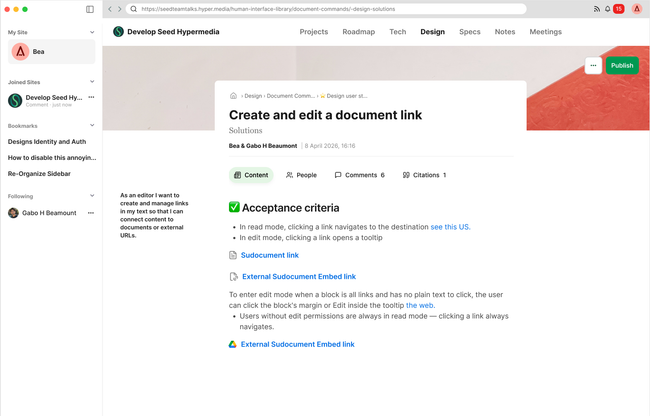
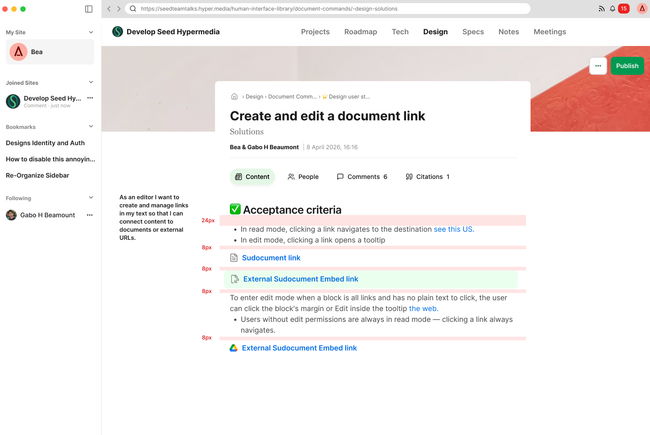
Look and feel:
External link: when clicking will open the url in a blank page
External subdocument: when clicking will open the original document source changing the breadcrumb.
Internal subdocument: when clicking will open the document in the parent where user is.
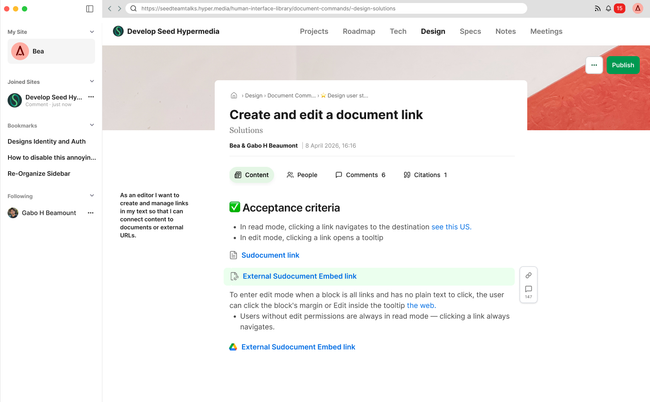
Hover
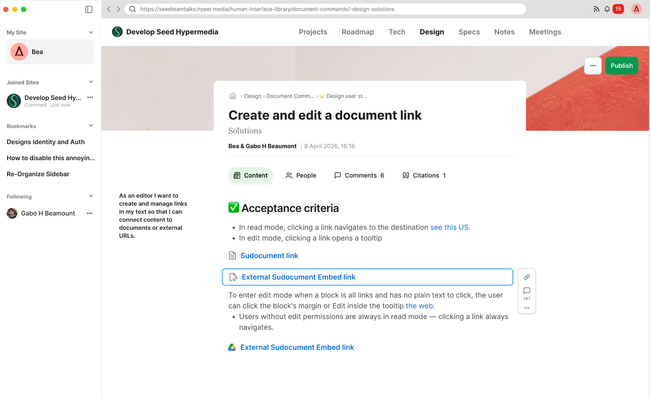
Selected

Do you like what you are reading? Subscribe to receive updates.
Unsubscribe anytime
Powered by Seed HypermediaOpen App